

As well as departures and Door Is A Bore plans, there are also two other plans in the app that you can use. They are Magic Mat and crate training.
Let's talk about Magic Mat first to get to the Magic Mat training plans.
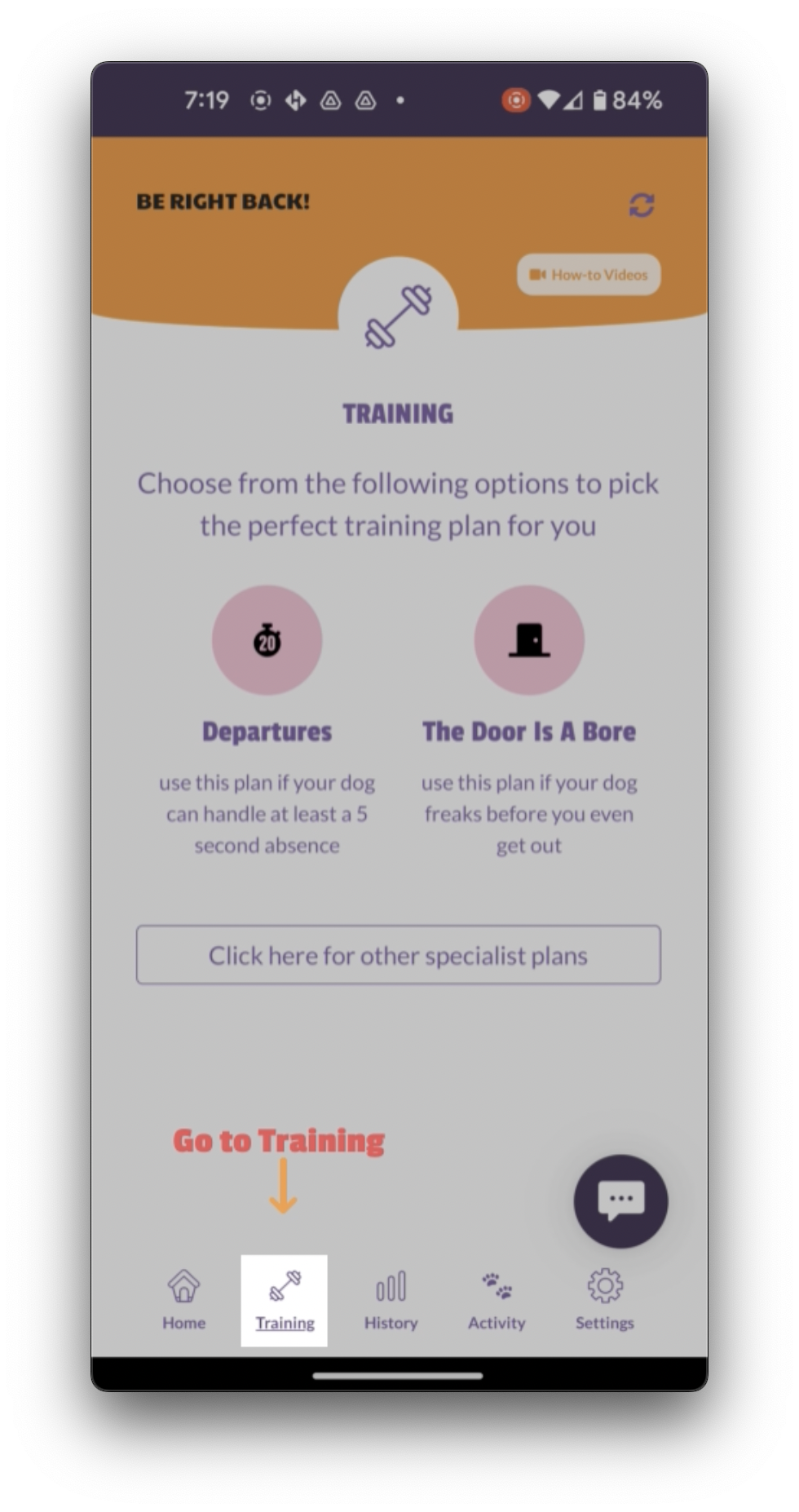
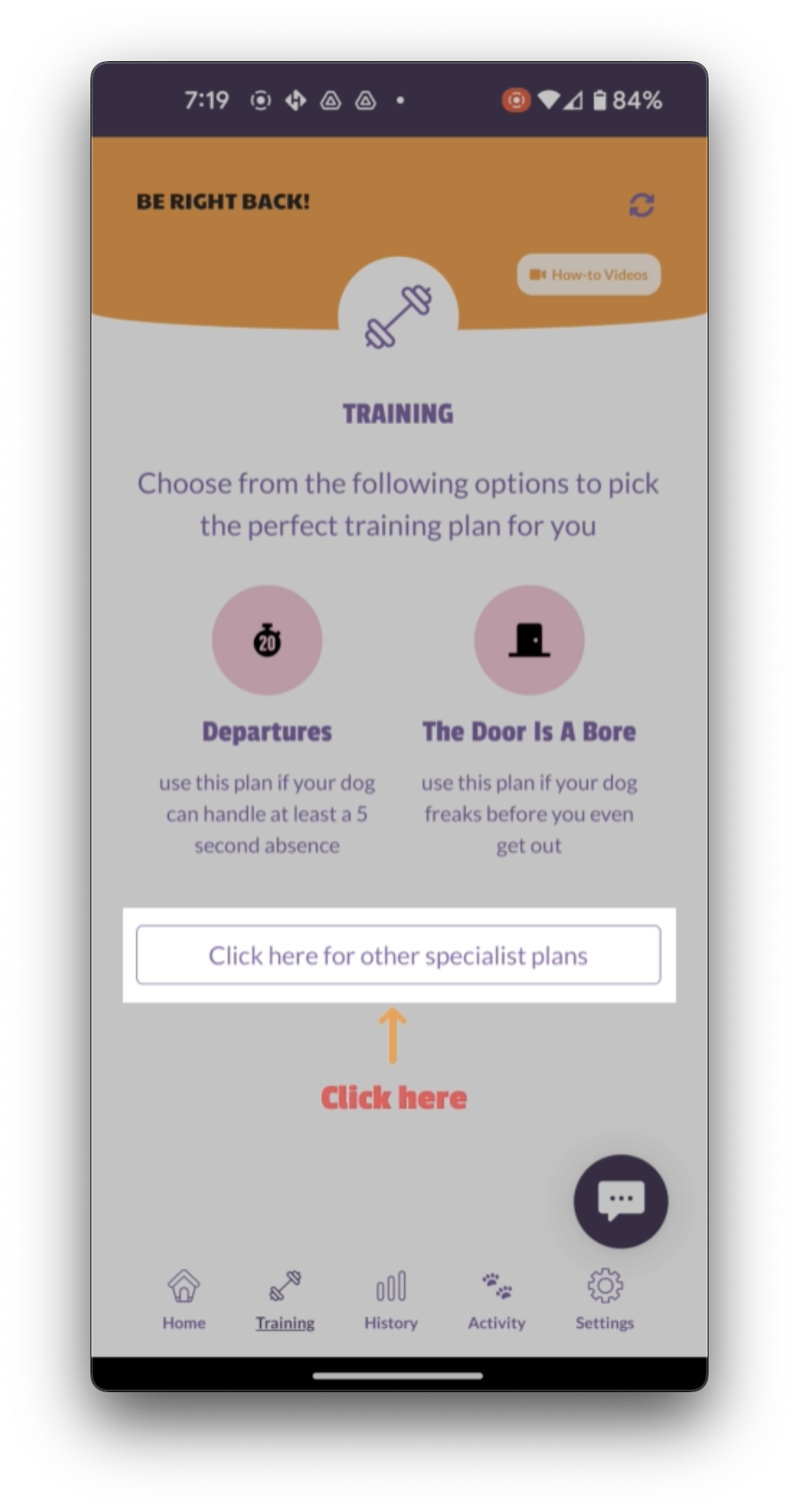
Click on the training tab and then click on other specialist plans.
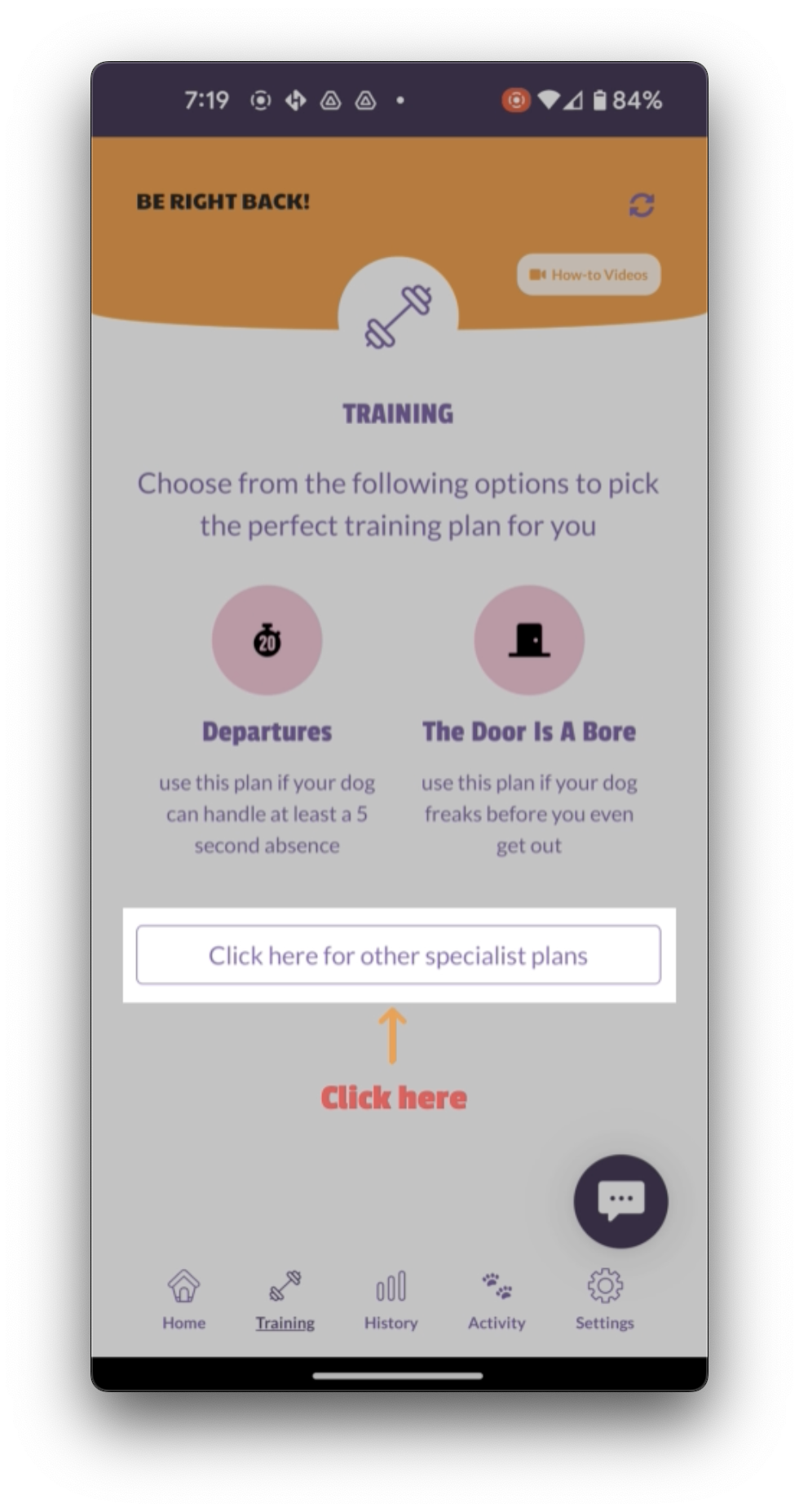
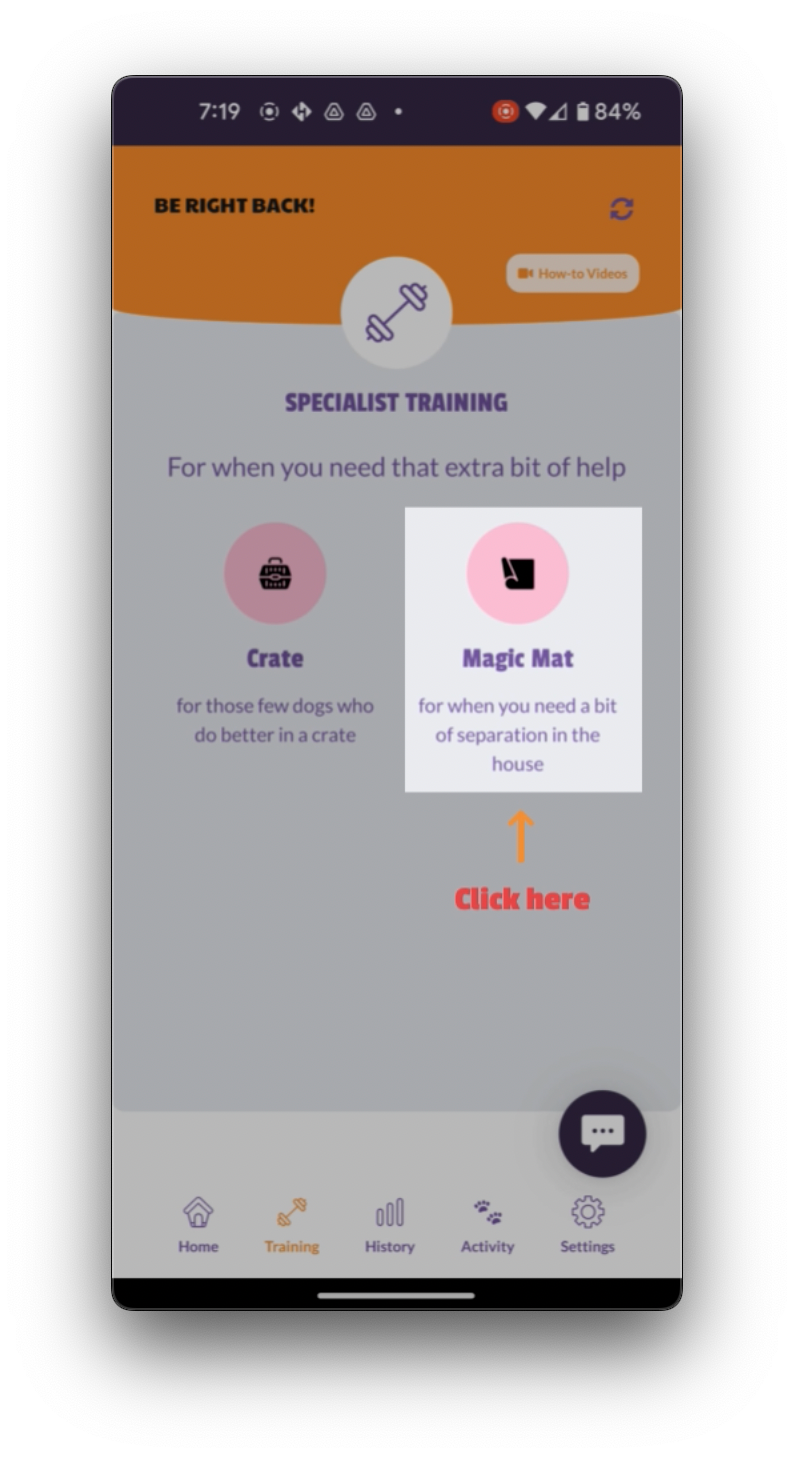
Then click on Magic Mat. You would use Magic Mat if your dog following you around the house is driving you up the wall and you literally cannot bear to take another shower with your dog in the room with you.
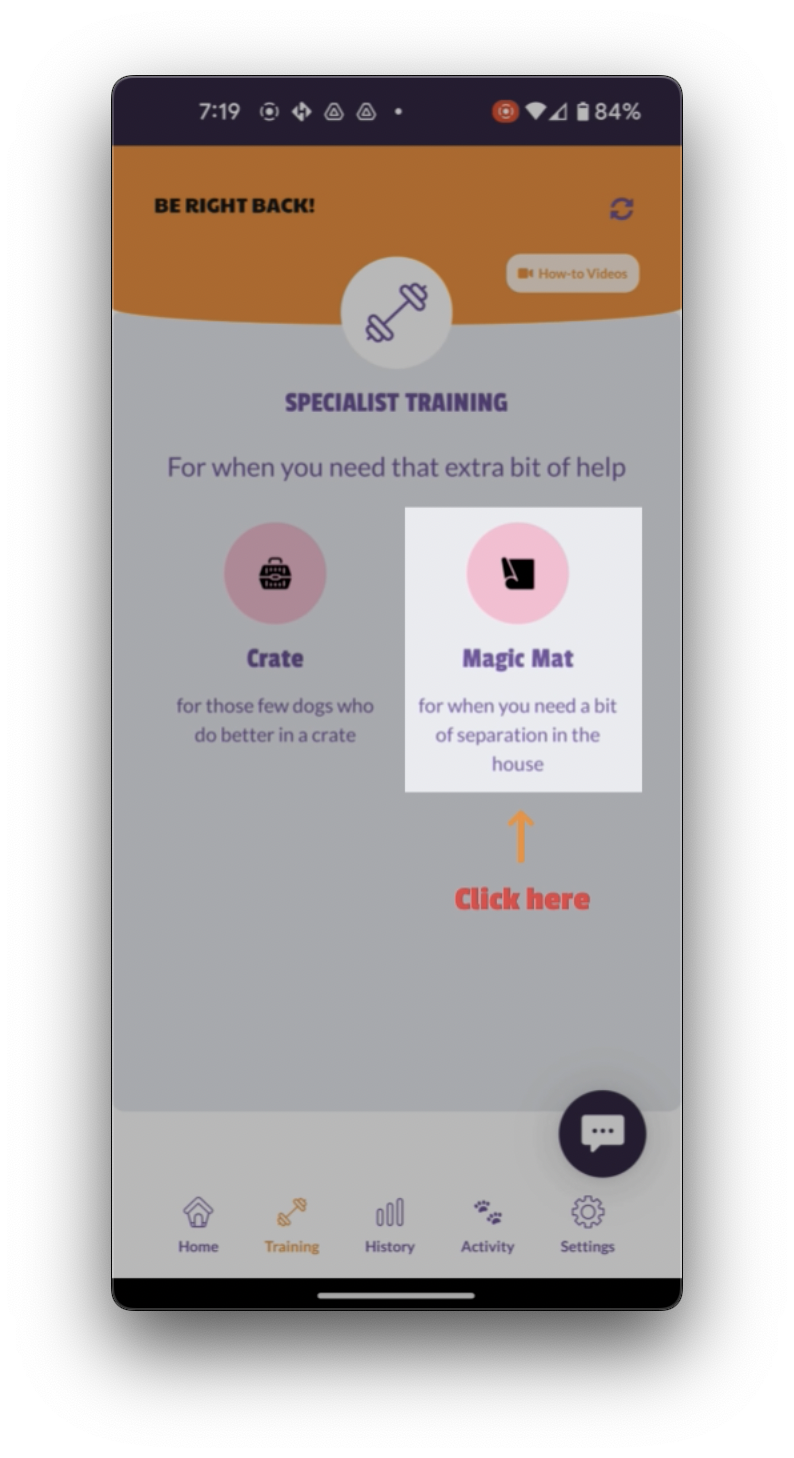
So Magic Mat will teach your dog that being away from you in the house is really rewarding. It's also great for when you're out and about.
Your dog learns to love the mat so much that when you put the mat down, say if you are in a cafe or sitting on a patio, your dog will be glued to the mat because he's discovered the magic qualities.
Now check the video vault for a more detailed training on how to walk through Magic Mat, but to use it in the app, click here and start with level one.
Click on go.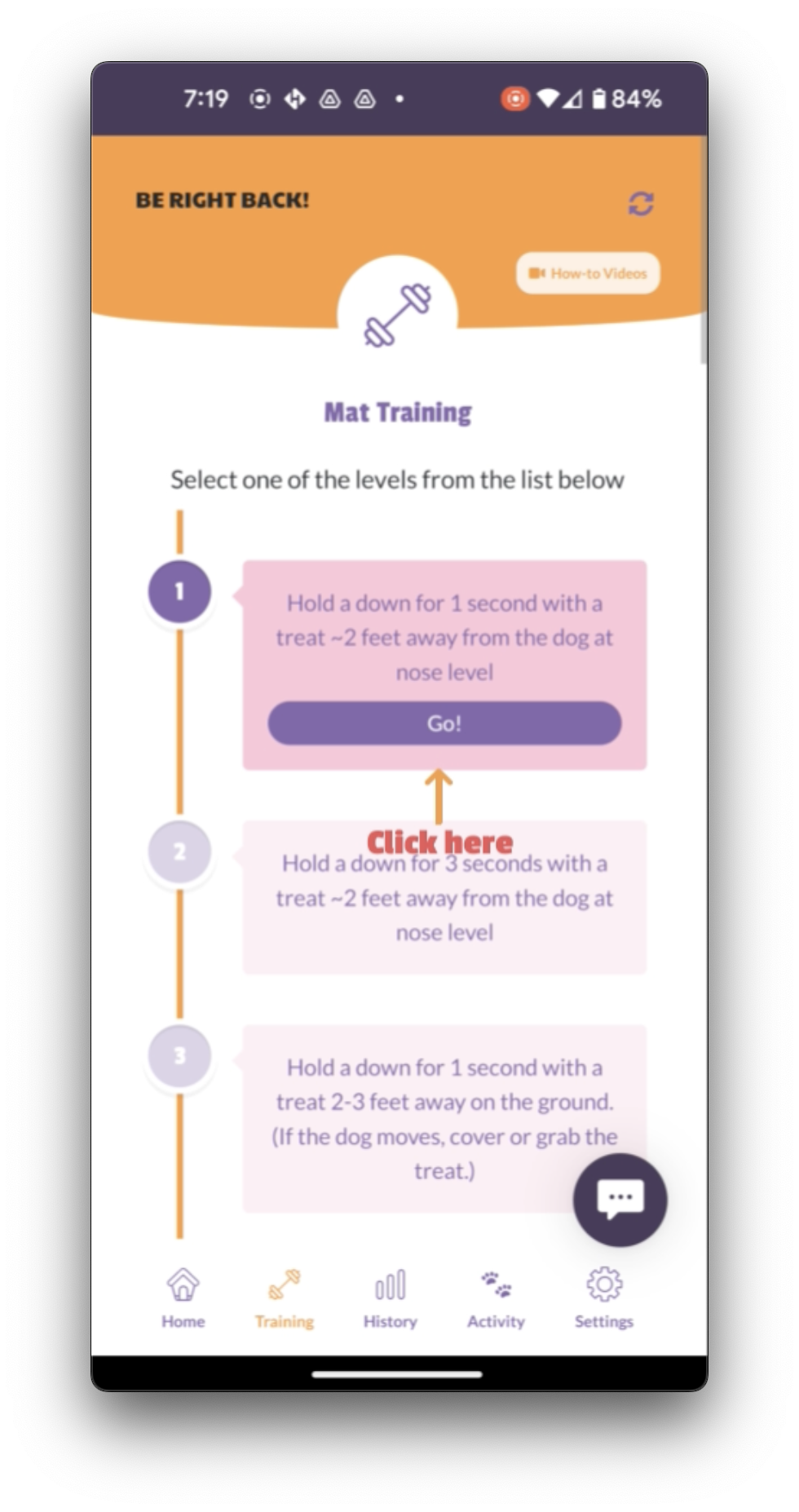
You'll then see there are five repetitions for you to go through.
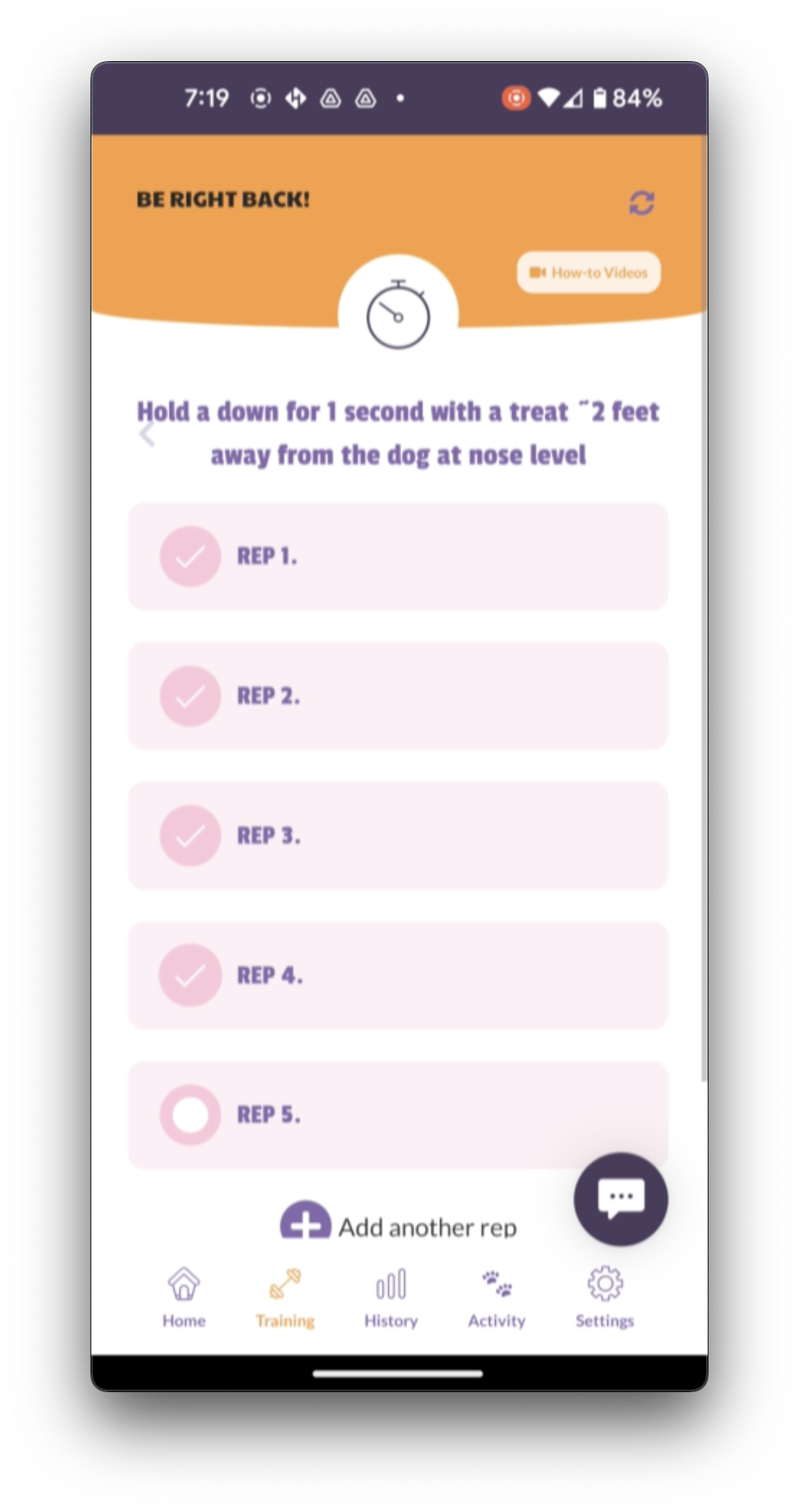
The key with Magic Mat is if your dog gets four or more, right? In other words, they don't leave the mat during that step, then you can move on to the next level.
If your dog gets three out of five, correct, so they stay on the mat.
Three of the five repetitions that you do, you are just going to repeat this level.
If your dog gets two correct or one correct, then you go back to the previous level.
If you're on level one, you can just repeat level one because there's no previous level to go back to click.
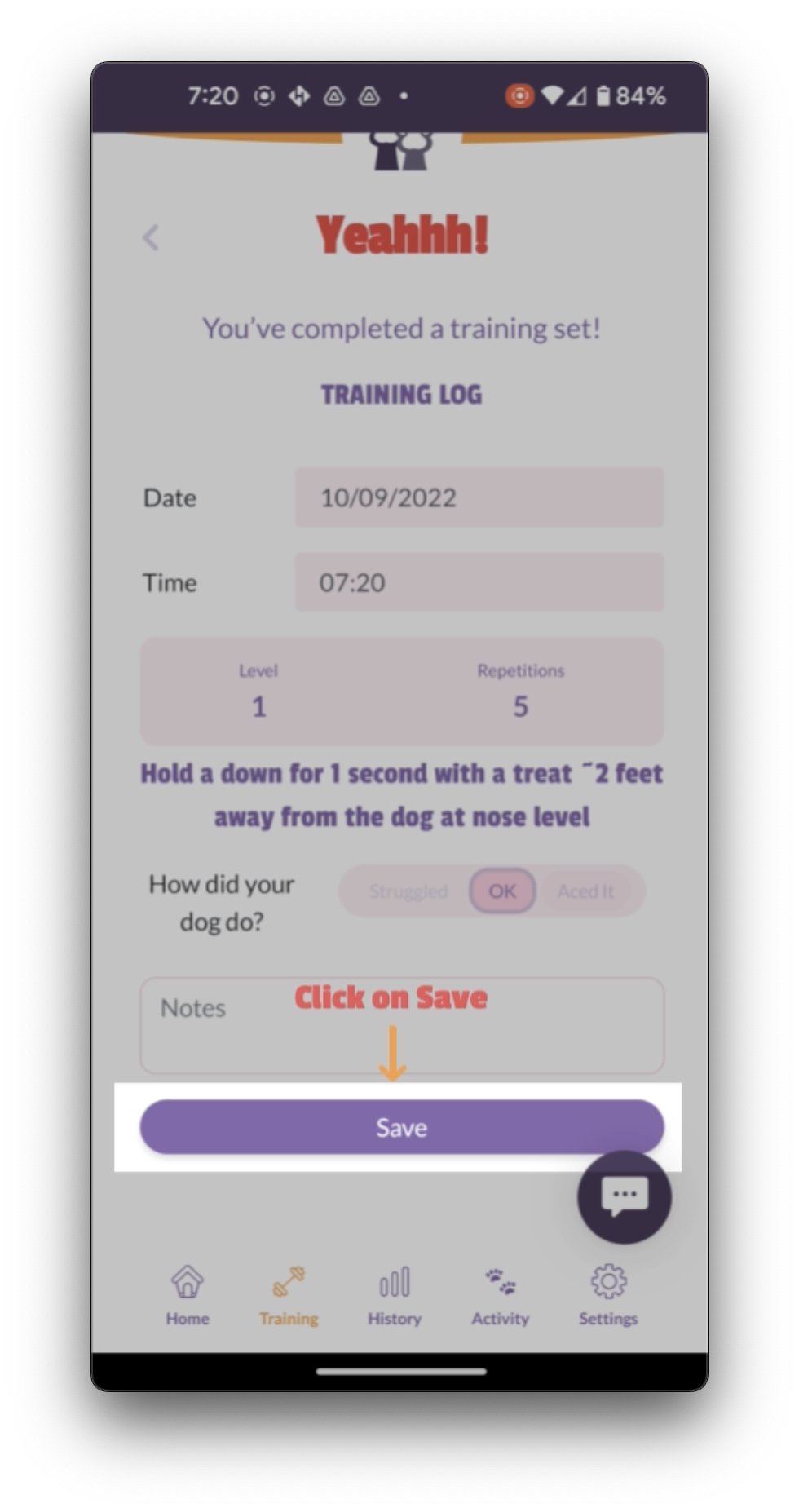
To complete the exercise, enter the date and time.
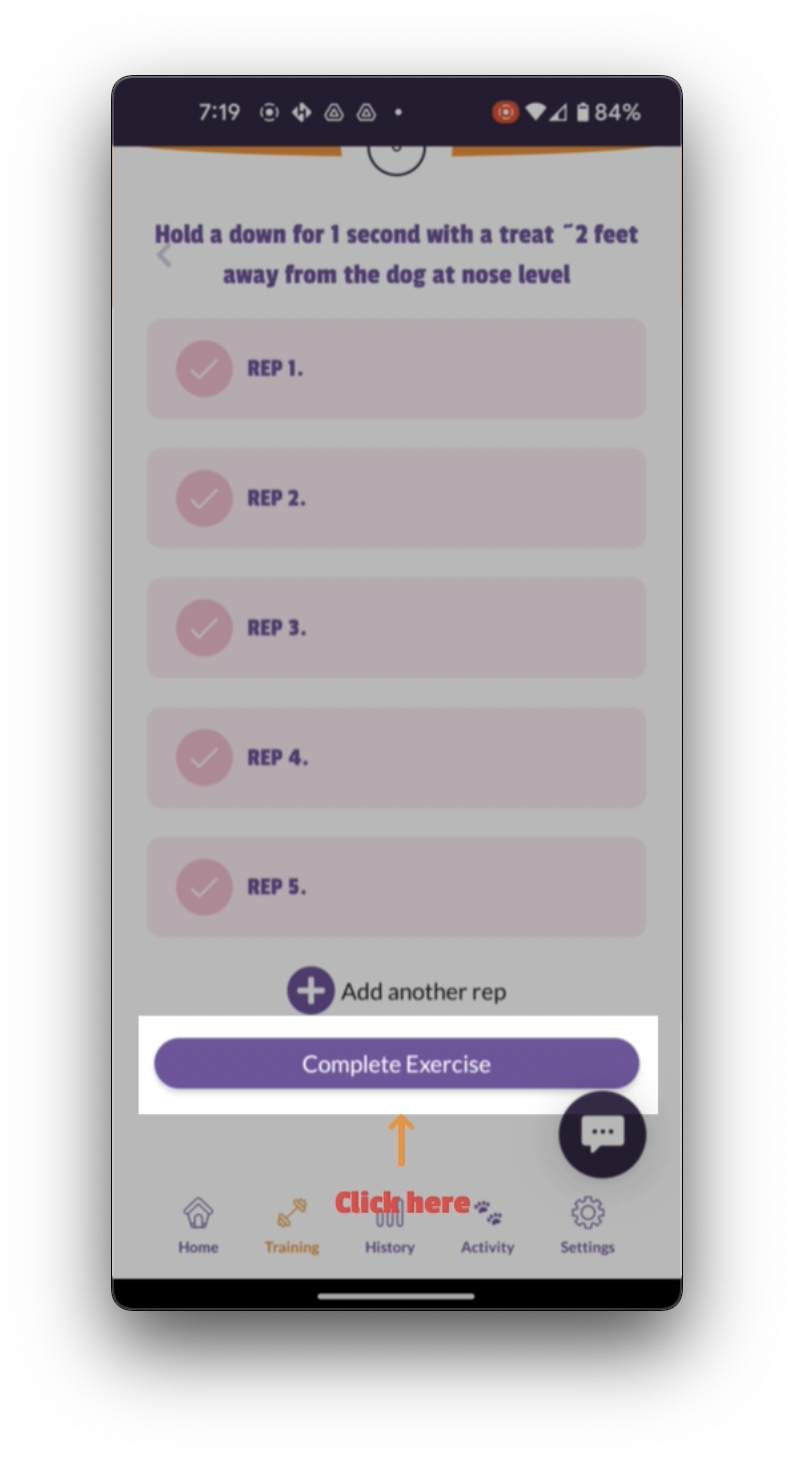
If you want to change the automatic date and time, if your dog got four or five correct answers, click ace it.
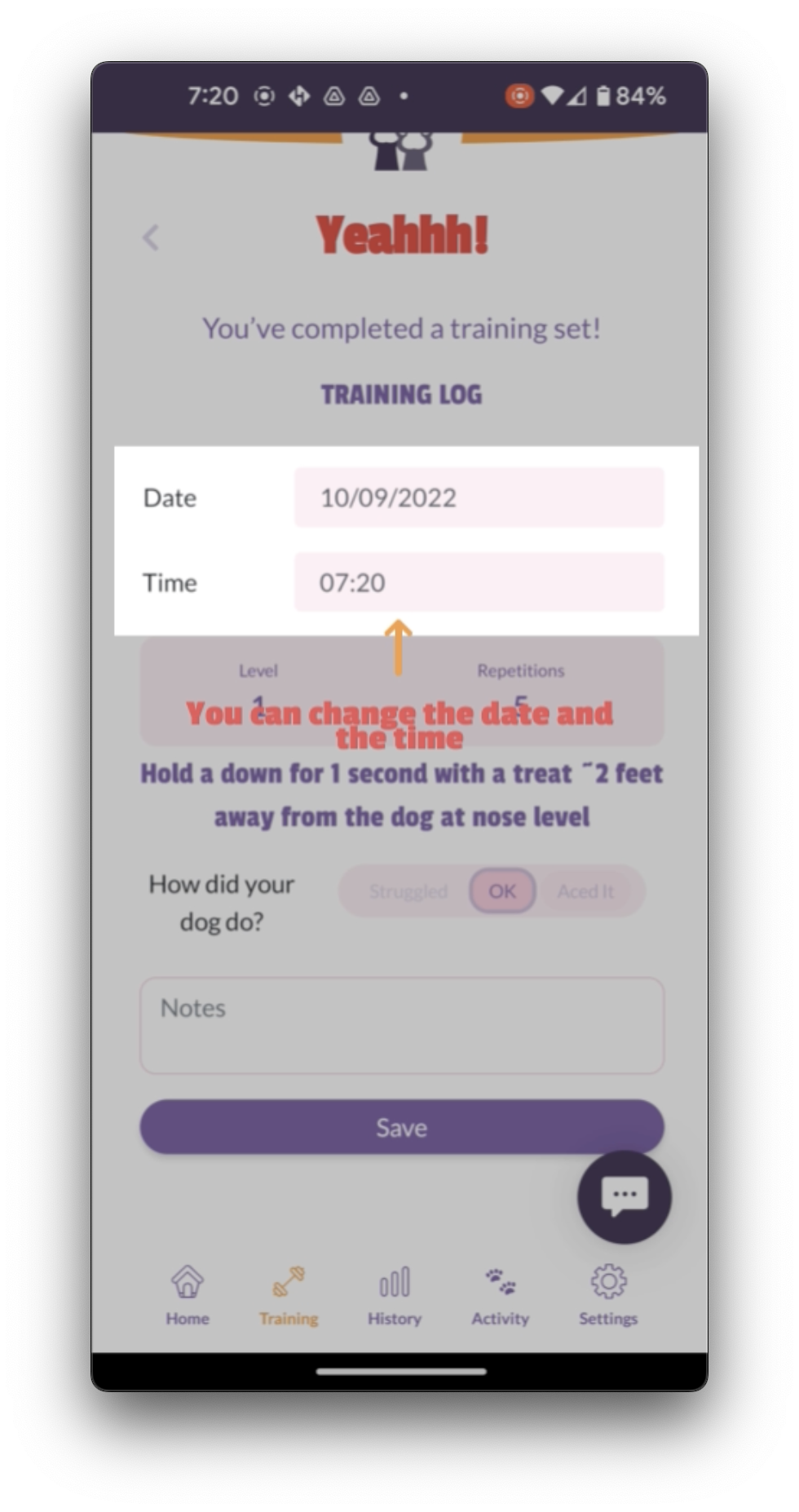
If your dog got three correct answers, click okay. If your dog got two or one correct answers, then click struggled.
When you are recording your notes, it can be really helpful to write down the number of correct answers your dog got.
In the notes section, you can write two outta five, four outta five, or whatever your dog recorded.
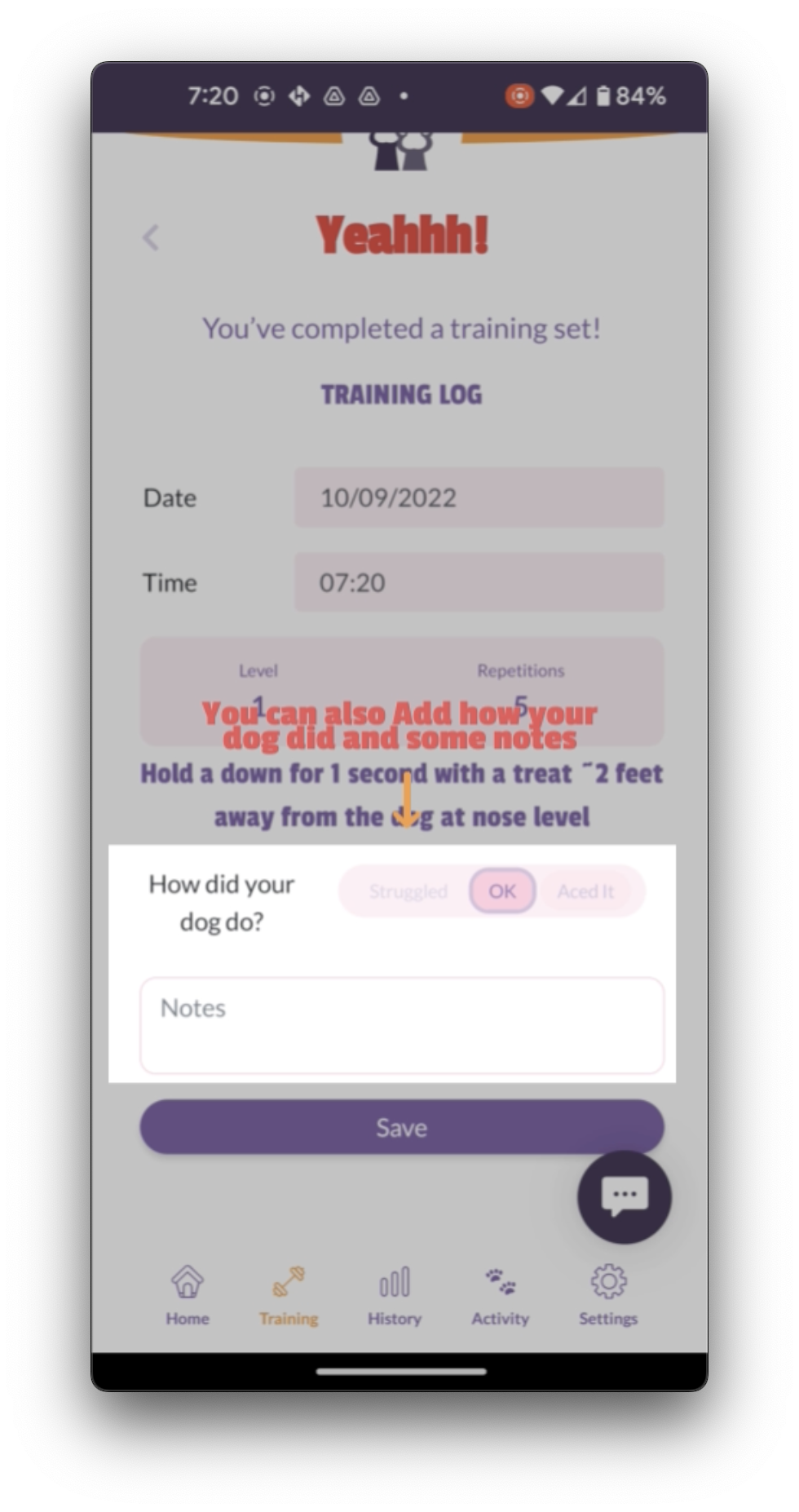
Click save to do another round click training.
Click specialist plans again, and once more, select Magic Mat.
Go to the next level.
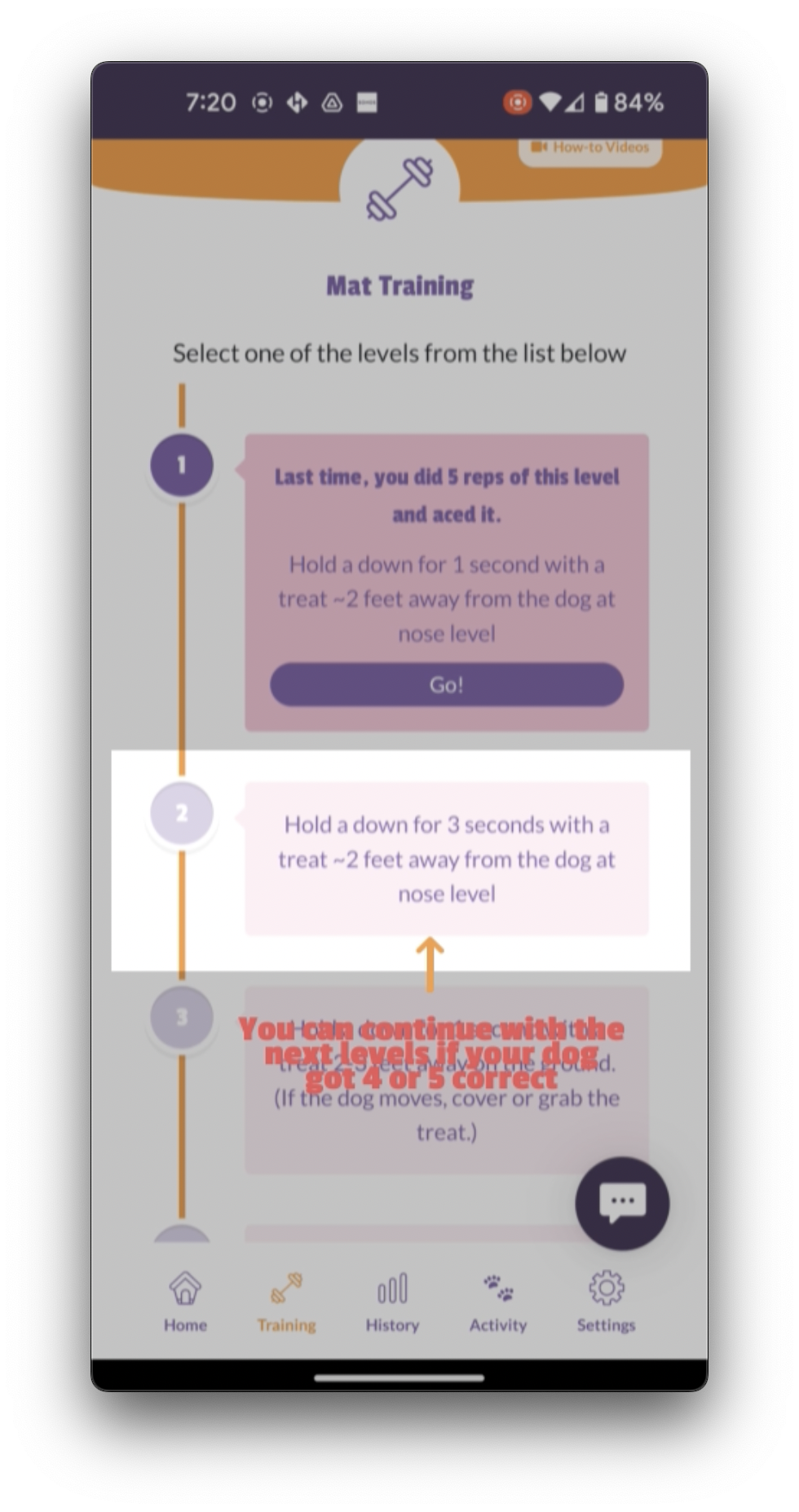
If your dog got four or five, correct, repeat the level you are on.
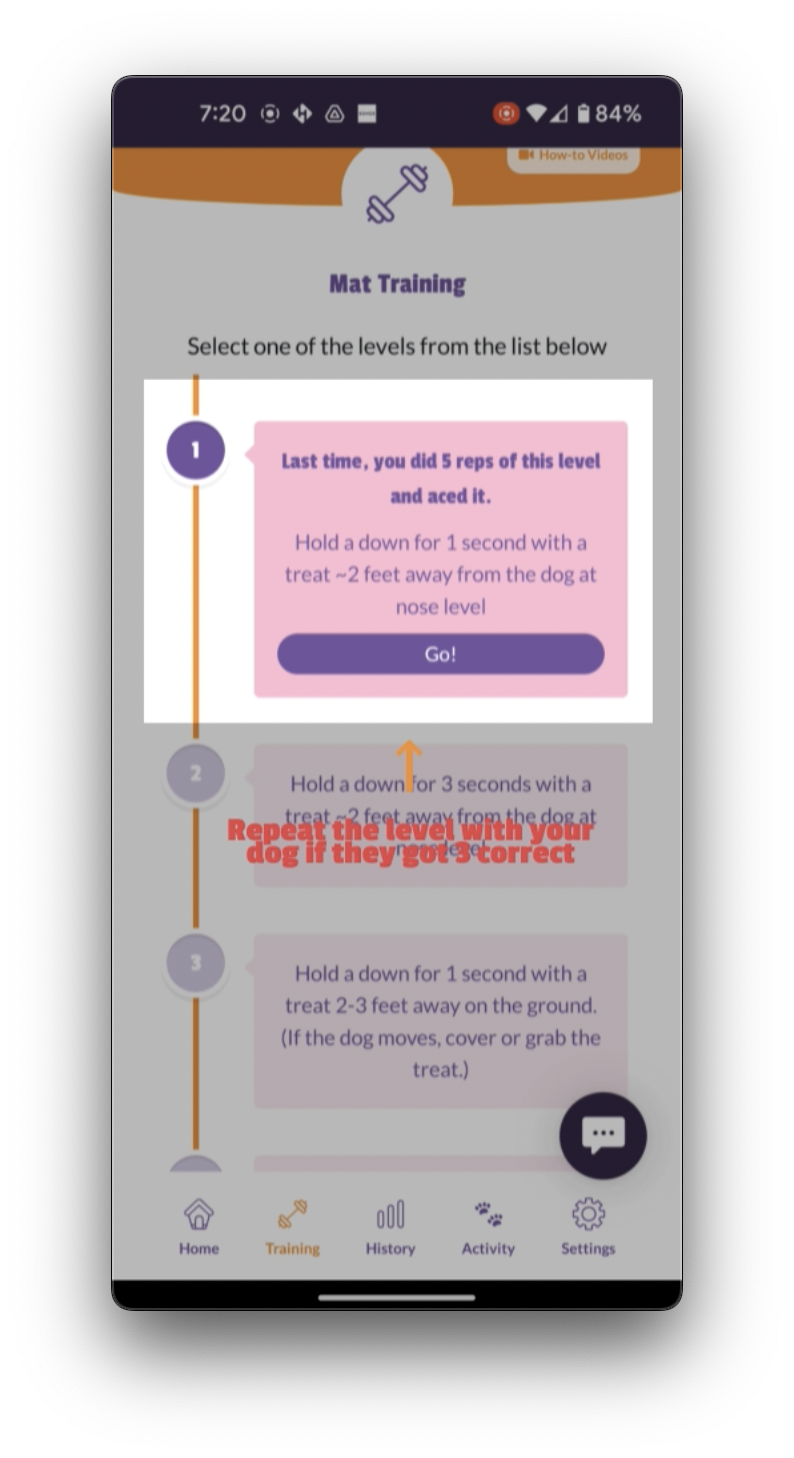
If your dog got three correct and drop back or make it easier.
If your dog got only two or one correct answers.
If you find that you can do a certain level, maybe level two, your dog gets four outta five, correct on level two, so you then go up to level three, but your dog can't do level three, so you go back to level two.
Your dog does well on level two, gets another four outta five, and you go back to level three again, but your dog can't do level three.
Then what you can do is click Make it easier.
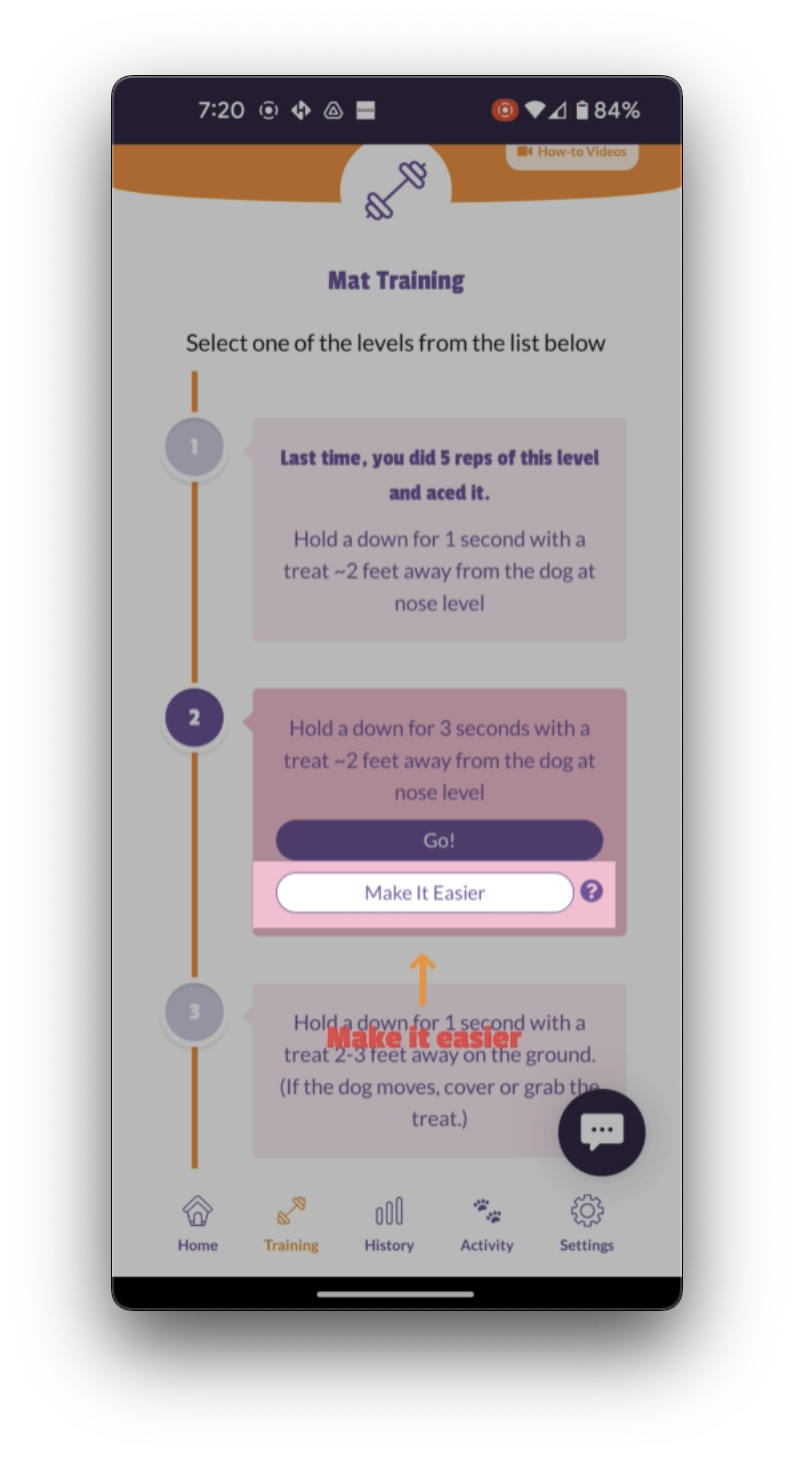
That's going to give you what we call a split step.
That's a half step between the levels that your dog is going to find easier than going up to a next complete level.
That's a half step between the levels that your dog is going to find easier than going up to a next complete level.
Watch the Video here. 👇👇
https://app.searchie.io/file/rONAKGpa2Z/embed